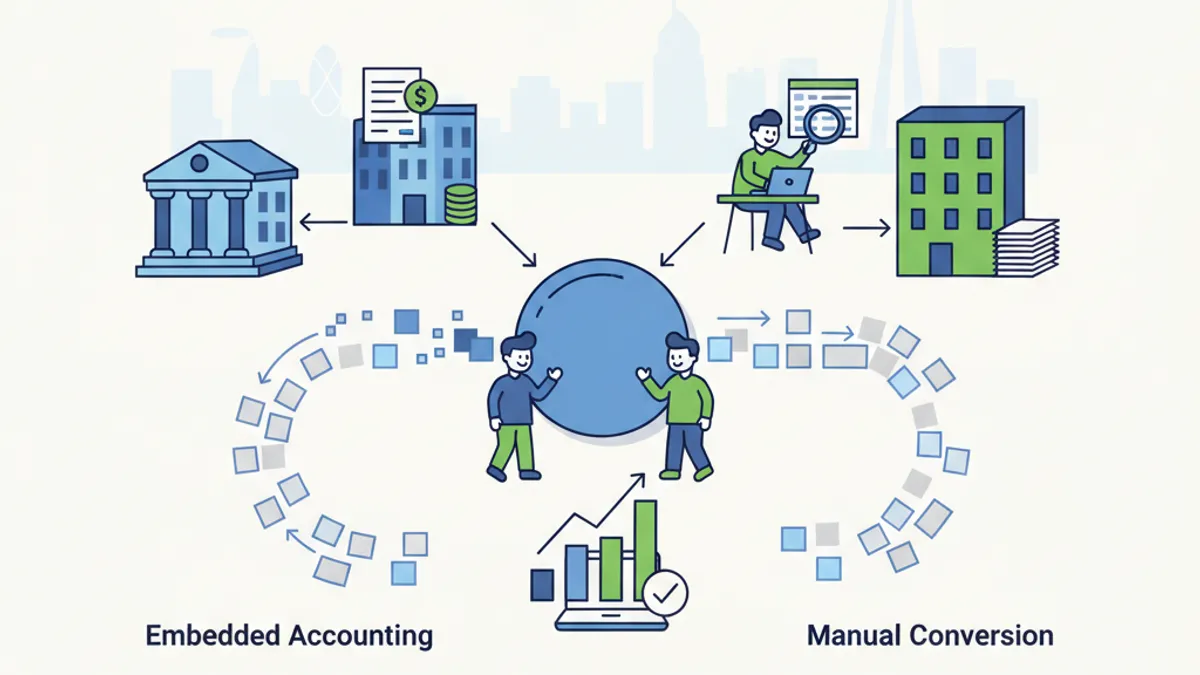
Embedded accounting connects your bank or fintech app directly to accounting software via API, automatically pushing transaction data into your records without manual exports. For many small businesses, this reduces the need to convert bank statements by hand. But embedded integrations are not universal: they have gaps, compatibility limits, and coverage issues that mean manual bank statement conversion remains a practical necessity for millions of UK businesses in 2026.
The quiet shift happening between banks, fintechs, and accounting platforms
Something has changed in the past two to three years. Banks and fintechs are no longer content to simply hold your money: they want to help you account for it too. Starling Bank, Revolut Business, and Tide now offer direct integrations with platforms like Xero, QuickBooks, and Sage. NatWest has its own accounting tools built into its business banking app. The goal is the same across all of them: keep you inside their product by making the financial admin easier.
This is embedded accounting. Rather than downloading a PDF statement, converting it to CSV, and importing it into your bookkeeping software, the data flows automatically. An API connection between your bank and your accounting platform means transactions appear in your ledger within hours, sometimes minutes, of being processed.
For accountants and bookkeepers managing dozens of small business clients, this sounds almost too good to be true. And in many cases, the reality is more complicated than the marketing suggests.
How does embedded accounting actually work for small businesses?
At its core, embedded accounting uses Open Banking APIs: standardised data-sharing connections regulated by the Financial Conduct Authority under the Open Banking framework. Since the UK's Open Banking standard launched in 2018, over 7 million people and businesses now use Open Banking-enabled products, according to the Open Banking Implementation Entity.
Here is what the process looks like in practice:
- You connect your business bank account to your accounting software, typically by authorising access through your bank's app or online portal.
- The accounting platform calls the bank's API at regular intervals (or in real time, depending on the integration).
- Transaction data is pulled directly into your accounts, categorised automatically, and matched against invoices or receipts where possible.
- You review and approve the entries rather than keying them in manually.
The result is fewer manual steps, faster reconciliation, and a real-time picture of your cash position. For a sole trader turning over £80,000 a year with 200 transactions per month, this can save several hours of bookkeeping time each month.
MTD for Income Tax Self Assessment, which applies to sole traders and landlords with income over £50,000 from April 2026 (dropping to £30,000 from April 2027, per HMRC guidance), makes this kind of real-time data flow even more attractive. Quarterly digital submissions to HMRC require up-to-date records, and embedded accounting helps maintain them.
What are the limits of embedded accounting integrations?
Embedded accounting is genuinely useful. It is also far from a complete solution for every small business or accounting firm in the UK.
Coverage is patchy. The major high-street banks (Barclays, HSBC, Lloyds, NatWest) offer Open Banking connections, but the depth of those connections varies. A Barclays business current account connects to Xero, but the integration may not cover savings accounts, credit cards, or foreign currency accounts held at the same bank.
Legacy data is missing. An API connection gives you transactions from the point of connection onwards. If you are onboarding a new client in March 2026 and need their transaction history from April 2025, you still need to convert twelve months of bank statements manually. The API cannot reach back in time.
Multi-bank businesses hit walls quickly. A small limited company might bank with Lloyds for its main account, use an HSBC credit card, hold a PayPal business account, and process card payments through Stripe. Not every one of these will have a clean, direct integration with the same accounting platform. Some will need manual exports and conversions regardless.
Not all platforms support all banks. QuickBooks Direct Bank Feeds supports most major UK banks but has gaps with smaller building societies and newer challenger banks. Sage 50cloud has a different set of supported institutions to Xero. If your client uses a bank that is not on the supported list, you are back to downloading statements and converting them.
Here is a comparison of common scenarios:
| Scenario | Embedded accounting | Manual conversion |
|---|---|---|
| Live transaction feed from Starling to Xero | Works well | Not needed |
| Historical statements from 12 months ago | Not possible via API | Required |
| NatWest savings account data | Limited or unavailable | Required |
| Small building society with no Open Banking API | Not available | Required |
| PayPal or Stripe transaction export | Partial integrations only | Often required |
| HSBC credit card reconciliation | Varies by platform | Often required |
| Barclays business account + QuickBooks | Direct feed available | Backup option |
Embedded accounting vs manual bank statement conversion: which do you actually need?
The honest answer is that most small businesses and their accountants need both.
Embedded accounting handles the ongoing, day-to-day transaction flow from well-supported accounts. It reduces repetitive data entry and helps maintain the digital records that HMRC's MTD requirements demand.
Manual bank statement conversion fills the gaps. You need it for:
- Onboarding new clients and loading historical transaction data
- Accounts at banks with no API integration
- Credit cards, savings accounts, and foreign currency accounts excluded from live feeds
- Troubleshooting when an API feed drops or duplicates data
- Preparing clean, formatted data for audit or due diligence purposes
If you are converting bank statements manually, using a dedicated tool like the bank statement converter at convertbank-statement.com is significantly faster than re-keying data or wrestling with Excel. The tool supports PDF statements from the major UK banks including Barclays, HSBC, Lloyds, NatWest, Santander, and Starling, converting them to CSV or Excel formats compatible with Xero, QuickBooks, Sage, and FreeAgent.
For accountants and bookkeepers managing multiple clients, the pricing options at convertbank-statement.com include volume plans designed for practices handling regular conversion work.
How to set up your workflow when you have a mix of both
Most small business accounting workflows in 2026 sit somewhere in the middle: partial automation through direct feeds, plus manual conversion for the gaps. Here is a practical way to structure that:
Step 1: Audit which accounts have working API integrations. Log into your accounting platform and check which bank accounts have active, reliable direct feeds. Mark the ones that are working consistently.
Step 2: Identify the gaps. List any accounts (savings, credit cards, secondary banks, PayPal, Stripe) that are not covered by a live feed. These are your manual conversion candidates.
Step 3: Set a conversion schedule. For accounts without a live feed, download statements monthly (or quarterly if volume is low) and convert them in a single batch rather than ad hoc. This keeps your records current without constant interruption.
Step 4: Use a consistent conversion format. Output CSV files using the same column structure your accounting software expects. For Xero, that means Date, Amount, Description, Reference. For QuickBooks, the format differs slightly. Getting this right once saves reformatting every time.
Step 5: Reconcile both sources together. Run your reconciliation to cover both the API-fed transactions and the manually imported ones in the same session. Mixing them without a clear process is where errors creep in.
Step 6: Review your integrations quarterly. Open Banking connections expire and need reauthorising. Banks update their APIs. Accounting platforms add new integrations. A quarterly check takes ten minutes and prevents a feed going stale without you noticing.
For a detailed comparison of the best tools for the manual conversion part of this workflow, the best bank statement converter guide for 2026 covers the main options available to UK accountants and bookkeepers.
The Sage blog on embedded accounting covers the broader strategic picture of why banks and fintechs are investing in this space, which is useful context if you advise clients on which banking platforms to use.
For HMRC's official guidance on digital record-keeping requirements under MTD, the GOV.UK MTD for ITSA page sets out exactly what is required and from when.
About the author
Sarah Mitchell is a qualified bookkeeper and financial technology writer with over eight years of experience supporting UK small businesses and accounting practices through software transitions and digital compliance requirements.
Frequently asked questions
What is embedded accounting?
Embedded accounting is the integration of accounting or bookkeeping functions directly into a bank, fintech, or business software platform. Instead of exporting and importing data manually, transactions flow automatically from your bank account into your accounting records via an API connection.
Does embedded accounting mean I no longer need to convert bank statements?
Not entirely. Embedded accounting handles live transaction feeds from supported accounts, but it cannot retrieve historical data, cover unsupported banks or account types, or replace manual conversion when an API connection fails or is unavailable. Most UK businesses and accountants still need manual bank statement conversion as a backup or supplement.
Which UK banks support direct accounting integrations in 2026?
Barclays, HSBC, Lloyds, NatWest, Santander, Starling, Monzo Business, Revolut Business, and Tide all offer Open Banking connections to major accounting platforms. The depth of integration varies by bank and platform combination. Smaller building societies and specialist lenders often have no direct integration available.
What format should I convert bank statements into for Xero or QuickBooks?
Xero imports CSV files with columns for Date, Amount, Description, and Payee (optional). QuickBooks uses a slightly different format with Date, Description, Credit, and Debit as separate columns. Most bank statement converters let you select your target software and output the correct format automatically.
How does Open Banking relate to embedded accounting?
Open Banking provides the regulated API infrastructure that embedded accounting runs on. The Financial Conduct Authority oversees Open Banking in the UK under the Payment Services Regulations 2017. Banks are required to share transaction data with authorised third parties when a customer consents. Embedded accounting tools use these APIs to pull data directly into accounting platforms without manual intervention.
When does MTD for Income Tax Self Assessment apply and what does it mean for record-keeping?
MTD for Income Tax Self Assessment applies to sole traders and landlords with qualifying income over £50,000 from April 2026, and over £30,000 from April 2027. It requires digital record-keeping and quarterly submissions to HMRC using compatible software. Embedded accounting integrations and digital bank statement imports both support compliance by keeping records up to date in an HMRC-recognised format.
Last reviewed: 2026-03-06