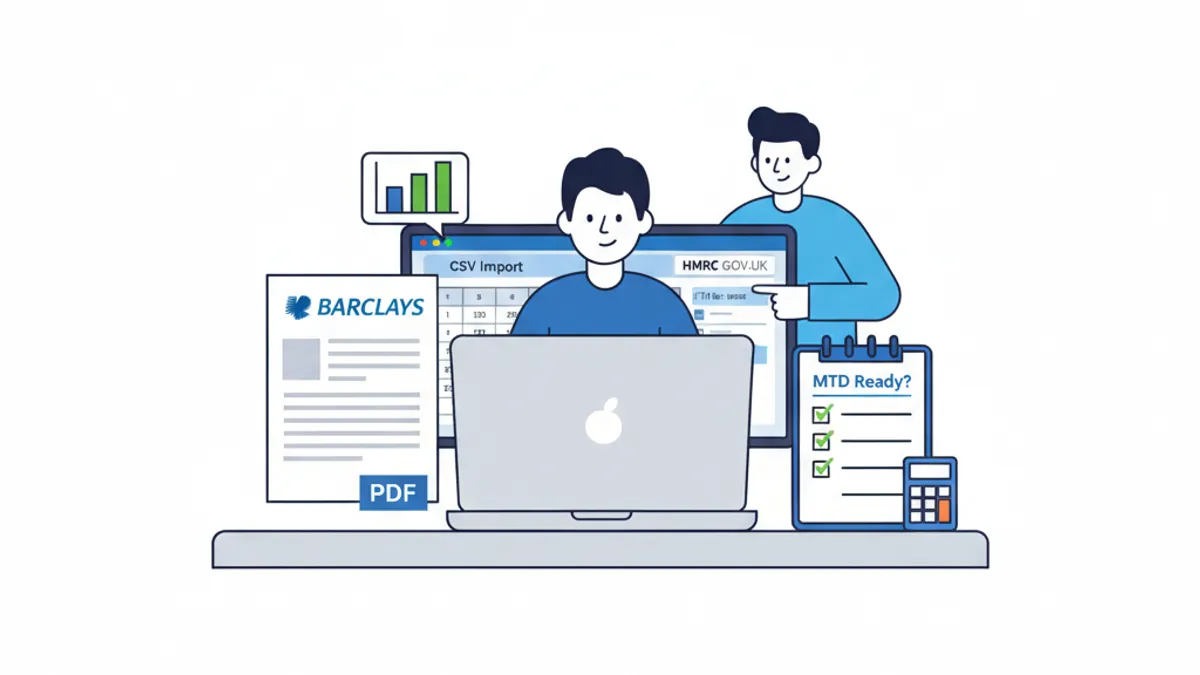
MTD for Income Tax Self Assessment (MTD for ITSA) became mandatory from April 2026 for self-employed traders and landlords with qualifying income above £50,000. If your accounting software is not on HMRC's recognised software list, your quarterly submissions will not be accepted. This guide walks you through exactly how to check your software's MTD status, what recognition actually means in practice, and how converting bank statements into the right format keeps your workflow fully compliant from day one.
Why MTD for Income Tax Is Different From MTD for VAT
Most accountants and bookkeepers already navigated MTD for VAT, which rolled out from April 2019. MTD for ITSA is a bigger shift. Under the old system, self-employed clients and landlords filed one Self Assessment return per year. Under MTD for ITSA, they must submit four quarterly updates to HMRC plus a final declaration, all through HMRC-recognised software.
The quarterly deadlines fall on:
- 5 August (for the quarter ending 5 July)
- 5 November (for the quarter ending 5 October)
- 5 February (for the quarter ending 5 January)
- 5 May (for the quarter ending 5 April)
Missing these is not a minor admin slip. HMRC's points-based penalty system means clients accumulate a penalty point for each missed deadline. Four points in a 12-month period triggers a £200 fine, with further £200 charges for each subsequent failure. Getting software right before the first quarter closes is not optional.
The April 2026 threshold of £50,000 qualifying income applies now. HMRC has confirmed this will drop to £30,000 from April 2027, pulling in a significantly larger group of self-employed people and landlords.
How Do You Check Whether Your Accounting Software Is HMRC-Recognised for MTD?
HMRC maintains a publicly available list of software products that have been tested and approved for MTD for Income Tax. You can find it on the GOV.UK MTD-compatible software page. This is the single authoritative source: do not rely on a vendor's marketing claims alone.
When you check the list, look for two things beyond the software name:
- Submission type: Can it handle quarterly updates and a final declaration, or only certain filing types?
- User type: Is it approved for agents (accountants and bookkeepers filing on behalf of clients) as well as individuals?
Some products appear on the list but only cover one submission type. A tool that handles quarterly updates but not the end-of-period statement is not fully compliant for your workflow.
What Does HMRC Recognition Actually Mean?
HMRC recognition means the software has passed technical testing against HMRC's API standards. It can connect directly to HMRC's systems, submit the required data in the correct format, and receive confirmation back. Software without this approval cannot file MTD returns at all: your submissions simply will not go through.
Recognised software must also maintain a digital record of each transaction. This is the digital links requirement. You cannot print a report and re-enter figures manually at any point in the chain from source data to HMRC submission. Every step must be digitally connected.
What Is the Digital Links Requirement and Why Does Bank Statement Conversion Matter?
The digital links requirement is where many practices unknowingly break their MTD compliance. HMRC defines a digital link as any electronic transfer of data between software programs without manual re-keying. Copying a figure from a PDF bank statement and typing it into your accounting package is not a digital link. It is a manual intervention, and it breaks the chain.
This is directly relevant to bank statement conversion. Many small business clients and landlords still receive PDF statements from their banks, whether from Barclays, HSBC, Lloyds, NatWest, or smaller providers. If you download that PDF and manually key figures into Xero, QuickBooks, or Sage, you have a compliance gap.
The correct approach is to convert the PDF bank statement into a structured digital format (CSV or OFX) and import it directly into your accounting software. This preserves the digital link. Tools like the bank statement converter at convertbank-statement.com handle exactly this step, turning PDF statements from all major UK banks into clean, import-ready files.
Here is how bank formats typically differ and what you need for a clean import:
| Bank | Common Statement Format | Import Format Needed | Notes |
|---|---|---|---|
| Barclays | PDF (3-column: date, description, amount) | CSV or OFX | Running balance column included |
| HSBC | PDF or CSV direct download | CSV | Direct download available in business accounts |
| Lloyds | PDF or CSV | CSV or QIF | Personal accounts PDF only |
| NatWest | PDF or CSV | CSV | Business accounts offer CSV export |
| Monzo | CSV direct | CSV | No conversion needed |
| Starling | CSV direct | CSV | No conversion needed |
Newer digital banks like Monzo and Starling export CSV natively, which removes the conversion step. Traditional high street banks are more variable, and personal or older accounts often only produce PDFs.
How to Verify Your Full MTD Workflow Is Compliant
Checking your software name on HMRC's list is step one. Running through the complete workflow is step two. Use this checklist:
- Confirm software recognition: Check GOV.UK's recognised software list for your specific product and version.
- Check agent permissions: Log into your HMRC Agent Services Account and confirm authorisation is in place for each MTD for ITSA client.
- Review your data entry chain: Trace one transaction from bank statement to your software. Is every step digital?
- Replace manual keying with digital import: If any step involves re-typing figures, switch to CSV or OFX import. See our guide to the best bank statement converters in 2026 for a comparison of the main tools.
- Test a quarterly submission in a sandbox environment: Most recognised software providers offer a test environment. Use it before the first real deadline.
- Document your process: HMRC can request evidence of your digital record-keeping. A short written process note protects you if questions arise.
If you work with clients across multiple software platforms, this check needs to happen for each one. A client using older desktop accounting software that has not been updated to include MTD for ITSA functionality will need to migrate or upgrade before their first quarterly deadline.
What About Bridging Software?
Bridging software is a category of tool that sits between a spreadsheet or non-recognised package and HMRC's API. It reads data from your existing system and submits it in a compliant format. HMRC accepts bridging software for MTD for ITSA provided the digital links requirement is met throughout.
If a client uses a spreadsheet to track income and expenses, bridging software can be a practical solution. The spreadsheet entries must still be digitally linked: no manual re-keying between the spreadsheet and the bridging tool.
Practical Steps to Take Before Your Next Quarterly Deadline
The first quarterly deadline under MTD for ITSA for clients with income above £50,000 falls on 5 August 2026. That is not far away. Here is what to prioritise now:
- Audit your client list: Identify every client above the £50,000 threshold who is self-employed or a landlord.
- Check each client's current software: Is it on HMRC's recognised list? Is it up to date?
- Set up bank statement import workflows: For any client still on PDF bank statements, establish a conversion process now rather than at quarter-end crunch time.
- Review your own practice software: Agent-facing tools like Xero Tax, IRIS, CCH OneClick, and TaxCalc have all released MTD for ITSA updates. Confirm you are on the current version.
- Check your convertbank-statement.com pricing options if you are handling volume conversions across multiple clients: batch processing can save significant time at quarter end.
The software readiness question and the workflow readiness question are separate. You can have HMRC-recognised software and still have a broken digital link in your process. Both need attention.
James Cooper is a chartered accountant with over 10 years of experience helping UK small businesses and accountancy practices manage their financial records and meet HMRC compliance requirements.
Frequently Asked Questions
Q: How do I check if my accounting software is HMRC-recognised for MTD for Income Tax? A: Go to the GOV.UK page at gov.uk/guidance/find-software-thats-compatible-with-making-tax-digital-for-income-tax. This list is maintained by HMRC and shows every approved product along with which submission types each one supports.
Q: What happens if I use software that is not on the HMRC recognised list? A: HMRC's systems will not accept submissions from unrecognised software. Your quarterly updates and final declarations will fail to go through, which triggers the points-based penalty system. Four penalty points in 12 months results in a £200 fine.
Q: Does converting a PDF bank statement to CSV satisfy the digital links requirement? A: Yes, provided the converted CSV is imported directly into your accounting software without any manual re-keying of figures. The digital link is preserved when data moves electronically from the converted file into the software. Typing figures from a PDF by hand breaks the chain.
Q: Which UK banks provide CSV exports directly, avoiding the need for conversion? A: Monzo and Starling both provide CSV exports natively from their apps. HSBC and NatWest business accounts also offer CSV downloads in most cases. Barclays, Lloyds, and most personal accounts from traditional banks typically produce PDFs that require conversion.
Q: What is the MTD for Income Tax threshold in 2026 and when does it change? A: From April 2026, MTD for ITSA is mandatory for self-employed traders and landlords with qualifying income above £50,000. HMRC has confirmed the threshold drops to £30,000 from April 2027, bringing a larger group into the mandatory regime.
Q: Can I use bridging software instead of switching to a fully recognised package? A: Yes. HMRC accepts bridging software for MTD for ITSA as long as digital links are maintained throughout the process. Bridging tools sit between your existing records (such as a spreadsheet) and HMRC's API. The key rule is that no figures can be manually re-entered at any point in the chain.
Last reviewed: 2026-06-03